Metric Highlights Configuration
Configure Metric Highlights to display your key metrics in a more prominent display card on your dashboard.
Metric Highlights
Metric Highlights are used to highlight key metrics in a more prominent way on the Dashboard.
This component is only available to add on custom dashboards.
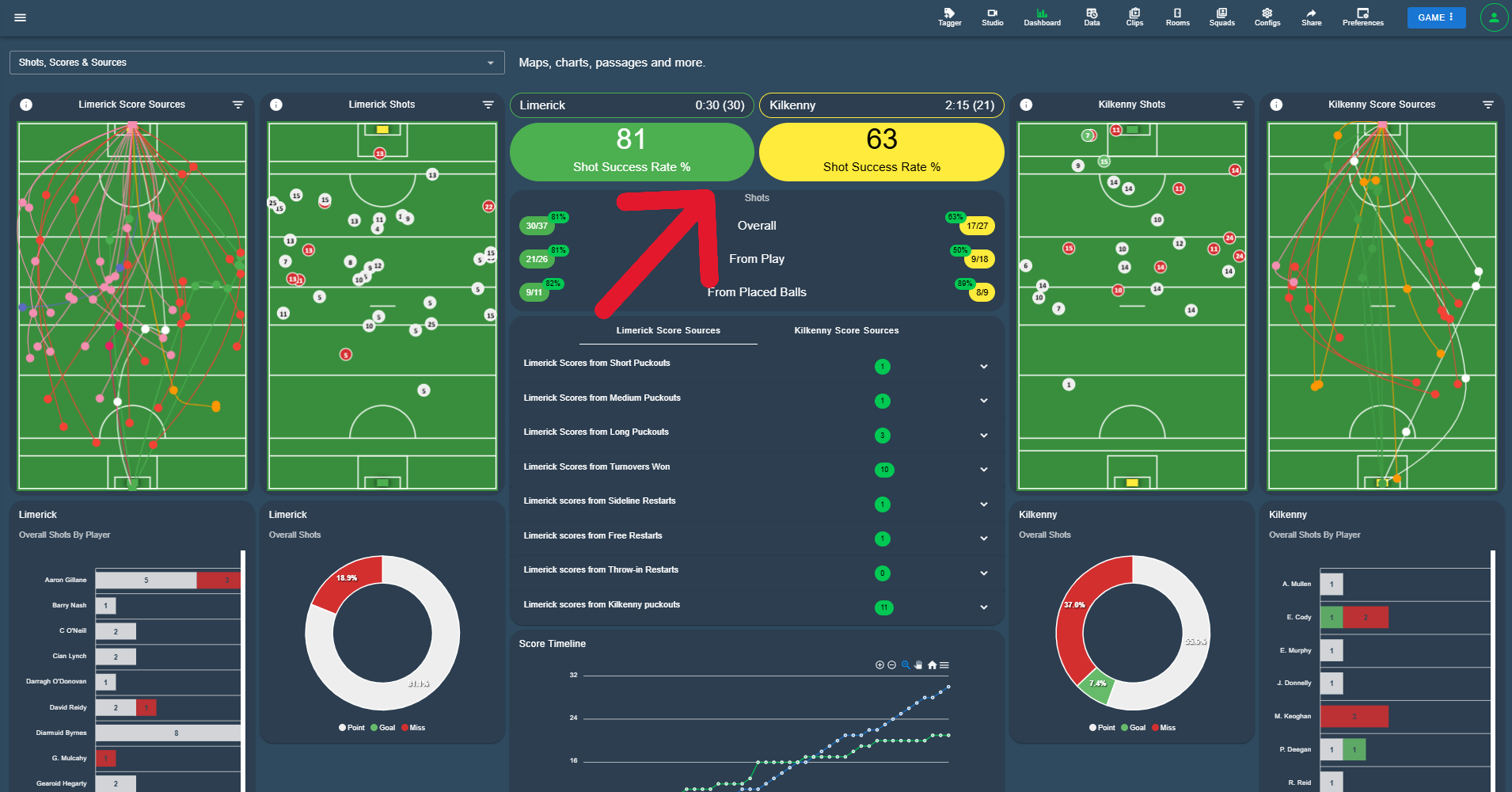
Configuration
| Field | Description |
|---|---|
| Highlight Name (required) | The name of the highlight. |
| Enabled | Set this to enable the highlight for display in the Dashboard. |
| Total Type | Select the type of total the highlight is based on. |
| Total | Select the total to display. |
| Formula | For a Formula Set, select the formula to use. |
| Reference | Select the reference within the chosen formula. |
| Duration Value Type | For duration based totals, choose how the value is displayed. |
| Color Type | Select the colour scheme for the highlight. |
| Reverse Lights | Switch this on to reverse the colour logic. |
| Value 1 to Value 4 | The threshold values used by the colour scheme. |
| Card Variant | Select the card style. |
| Rounded | Select the corner rounding. |
| Size | Set the size of the highlight card. |